AI Product Video: Quick Mode vs Advanced Mode - Complete Guide
Discover how to transform your products into professional video ads with artificial intelligence, from a quick 8-second clip to a complete cinematic production.
TL;DR
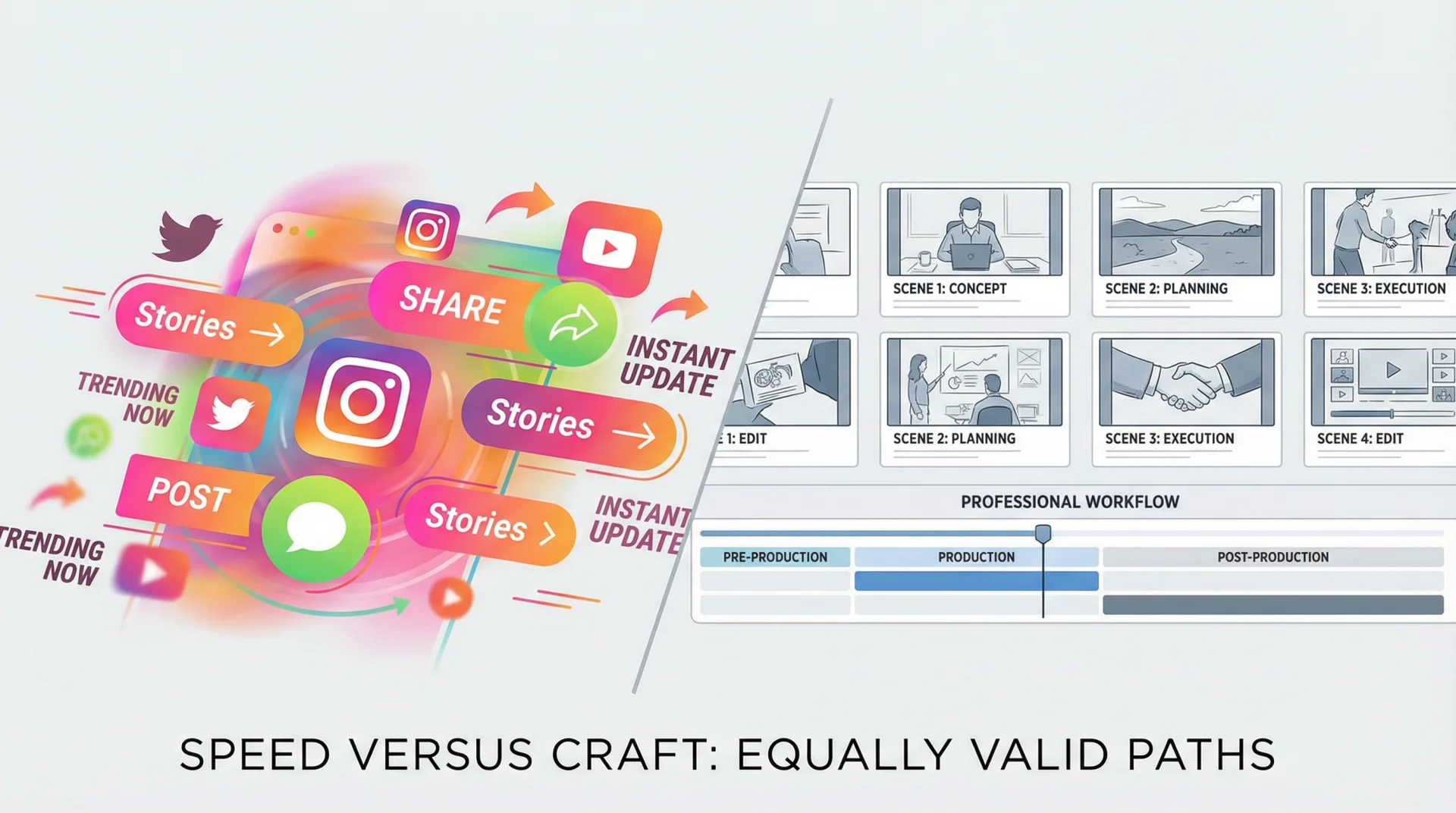
Two Modes, Two Use Cases:
| Quick Mode | Advanced Mode | |
|---|---|---|
| Duration | 8-10 seconds | 15-60 seconds |
| Time | 2-3 minutes | 30-60 minutes |
| Cost | 83-300 credits | ~700-800 credits |
| Best For | Stories, Reels, tests | Ads, campaigns, websites |
Bottom line: Quick Mode creates instant clips from a single product image. Advanced Mode (Video Director) analyzes your brand, generates a professional storyboard, and produces a complete video ad with voice-over and music.
🎬 Understanding the Two Video Creation Philosophies
Before diving into features, it's essential to understand the fundamental difference between these two approaches. It's not simply a matter of duration or cost, but of creative philosophy.
Quick Mode: Mastered Spontaneity
Quick Mode (called Influencer Mode in the app) is designed for those who need immediate results. Imagine an influencer who needs to post an Instagram Story within the hour, or a marketing team quickly testing several concepts.
Key Characteristics:
- Generation in 2-3 minutes
- Clip of 8 to 10 seconds
- Native dialogue integrated (AI speaks in the video)
- Cost: 83 to 300 credits (€0.83 to €3.00)
Advanced Mode: Cinematic Production
Advanced Mode (called Video Director) is a complete production chain inspired by professional advertising agencies. AI becomes your director, art director, and editor.
Key Characteristics:
- Workflow in 5 structured steps
- Video of 15 to 60 seconds
- Automatic brand research with web scraping
- Professional voice-over + generated music
- Cost: approximately 700-800 credits for 30 seconds
🚀 Quick Mode: Step-by-Step Guide
Step 1: Choose Your Sub-Mode
Quick Mode offers two variants:
| Sub-Mode | Description | Use Case |
|---|---|---|
| Quick Mode | Simple upload → Instant video | Quick tests, Stories |
| Intelligent Mode | Uses your AI Brand Profile | Guaranteed visual consistency |
Intelligent Mode automatically retrieves your moodboard and brand guidelines from Brand AI to maintain perfect consistency across all your creations.
Step 2: Upload Your Product Image
Accepted Formats:
- JPEG, PNG, WebP
- Ratio 16:9 or 9:16 (required for VEO 3.1)
- Recommended resolution: minimum 1024px
Pro Tip: Use an image with a simple or transparent background. AI animates better with well-isolated products.
Step 3: Configure the Script
AI analyzes your image and generates 3 script suggestions adapted to the detected product. Each script is optimized for:
- Kling 2.6: English only, excellent for influencers (10s)
- VEO 3.1: All languages (FR, ES, DE, IT, PT, RU) (8s)
Character Limits:
| Model | Max Words | Characters | Duration |
|---|---|---|---|
| Kling 2.6 | 25 words | ~150 characters | 10s |
| VEO 3.1 | 20 words | ~120 characters | 8s |
Step 4: Customize Voice and Mood
Available Voice Tones:
- Enthusiastic
- Calm
- Friendly
- Confident
- Professional
Music Styles:
- None
- Upbeat
- Calm
- Dramatic
- Inspiring
- Corporate
Step 5: Generate and Download
Click "Generate" and wait 2-3 minutes. The video includes:
- Smooth product animation
- Synchronized native dialogue
- Background music (if selected)
- High-quality audio
Final Cost:
| Model | Credits | EUR Equivalent |
|---|---|---|
| VEO 3.1 Fast | 83 | €0.83 |
| Kling 2.6 | 300 | €3.00 |
🎥 Advanced Mode (Video Director): Professional Production
The 5-Step Workflow
UPLOAD > ANALYSIS > CONCEPT > CASTING > STORYBOARD > FINAL RENDER
Each step is designed to progressively build a deep understanding of your brand and product.
Step 1: Upload (Free)
Upload your product image and configure basic parameters:
| Parameter | Options | Recommendation |
|---|---|---|
| Duration | 15s, 30s, 45s, 60s | 30s for social media |
| Format | 16:9, 9:16 | 9:16 for TikTok/Reels |
| Website URL | Optional | Strongly recommended |
| Brand Name | Optional | Improves analysis |
Step 2: Brand Analysis (14 Credits)
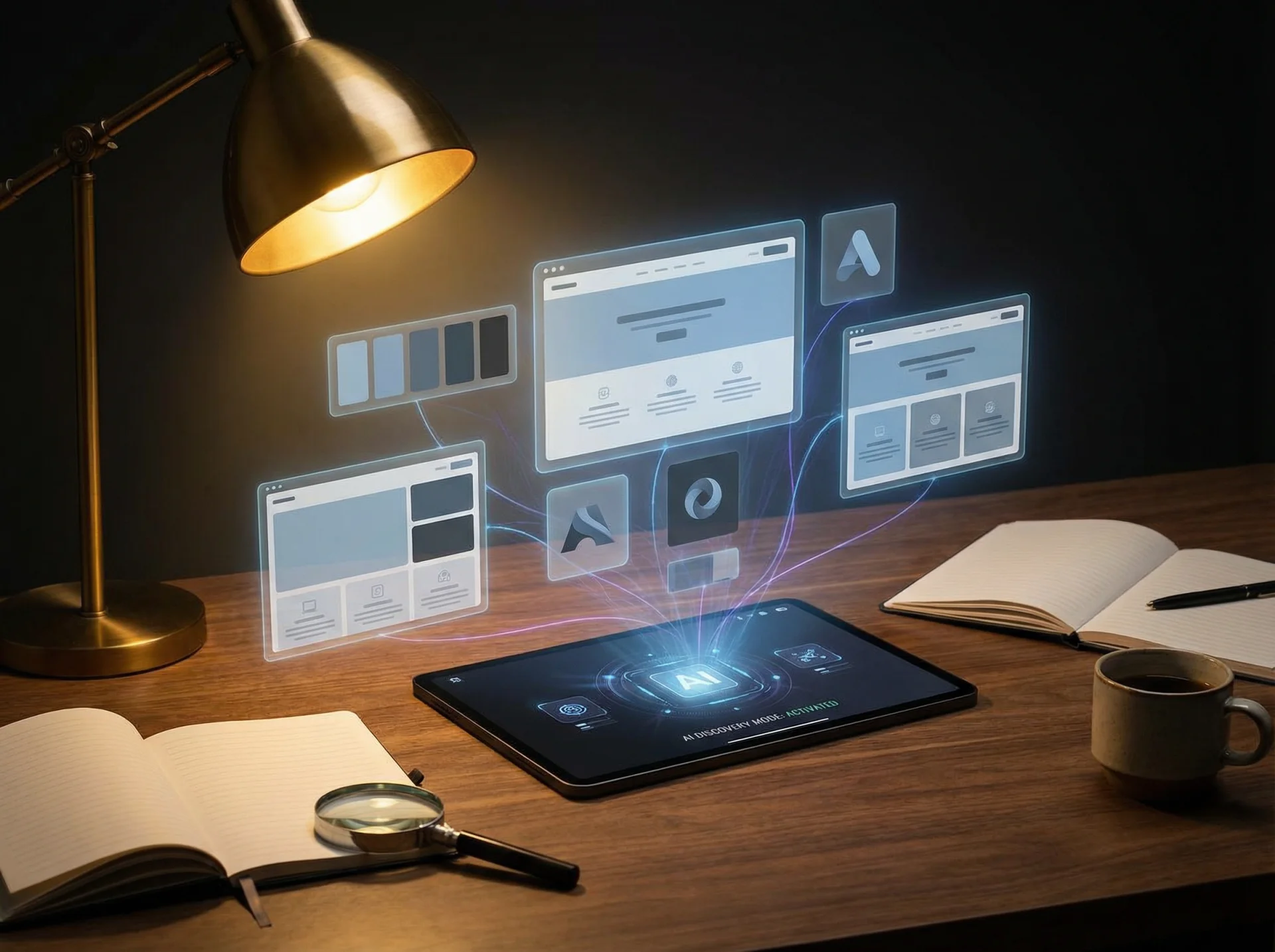
This is where the magic happens. AI performs deep research:
Sources Analyzed:
Web Scraping of your site (if URL provided)
- Homepage
- About page
- Mission, vision, values
- Customer testimonials
Google Search Grounding (real-time search)
- Market positioning
- Competitors
- Recent news
Visual Analysis of the product
- Dominant colors
- Photographic style
- Product category
Result: A complete brand profile with:
- Brand identity (industry, positioning, USPs)
- Visual identity (colors, typography, style)
- Target audience profile
- Marketing insights (tone, key messages)
Step 3: Creative Concepts (5 Credits)
AI generates 3 distinct creative concepts. For each concept:
| Element | Description |
|---|---|
| Name | Evocative concept title |
| Tagline | Main message |
| Creative Angle | Unique approach |
| Visual Mood | Desired atmosphere |
| Emotional Hooks | What touches the audience |
| Music Style | Audio recommendation |
| Pace | Slow / Medium / Fast |
Example Concept:
"The Art of Everyday"
Tagline: "Beauty hides in small moments"
Angle: Poetic transformation of a simple gesture
Target Emotion: Soothing nostalgia
Step 4: Casting (5 + 120 Credits)
Hero Generation (5 Credits)
AI creates 3 character archetypes adapted to your concept:
- Detailed physical appearance
- Personality traits
- Role in the story
Mood Board (96-120 Credits)
4 to 5 images are generated to define artistic direction:
| Image | Role |
|---|---|
| Lifestyle | Hero using the product |
| Product | Hero shot of the product |
| Atmosphere | Abstract mood visualization |
| Detail | Close-up of the product |
| Creative Direction | Summary collage |
These images serve as visual reference for storyboard consistency.
Step 5: Storyboard (Variable)
AI breaks down your video into distinct scenes:
| Element Per Scene | Description |
|---|---|
| Title and description | Action summary |
| Duration and timing | Placement in video |
| Image prompt | For Nano Banana Pro |
| Video prompt | For VEO 3.1 |
| Camera movement | Orbit, dolly, pan, etc. |
| Transition type | Cut, fade, etc. |
| Narration | Voice-over text |
| Ambient sounds | SFX and ambiance |
Audio Options
Voice-Over: Generated by ElevenLabs with 21 premium voices
- Cost: 11 credits per 1000 characters
- Languages: 29 languages supported
Music: Generated by Suno AI
- Cost: 33 credits
- Styles: Customizable based on concept
Media Generation
| Element | Model | Unit Cost |
|---|---|---|
| Scene image | Nano Banana Pro | 24 credits |
| Fast video | VEO 3.1 Fast | 83 credits |
| Quality video | VEO 3.1 Quality | 342 credits |
Final Render
Assembly is performed by Shotstack:
- Cost: 68 credits per minute
- Resolution: Up to 1080p
- Export: High-quality MP4
📊 Complete Comparison Table
| Criteria | Quick Mode | Advanced Mode |
|---|---|---|
| Video Duration | 8-10s | 15-60s |
| Creation Time | 2-3 min | 30-60 min |
| Average Cost | 83-300 cr | 700-800 cr |
| Brand Research | No | Yes (web scraping) |
| Creative Concepts | No | 3 concepts |
| AI Characters | No | Yes (3 archetypes) |
| Mood Board | No | Yes (4-5 images) |
| Storyboard | No | Yes (multi-scene) |
| Voice-Over | Native integrated | ElevenLabs premium |
| Music | Simple | Suno AI custom |
| Use Case | Stories, Reels | Ads, Campaigns |
🎯 How to Choose Between the Two Modes?
Choose Quick Mode If:
- You need a result in less than 5 minutes
- Your budget is limited (less than 150 credits)
- It's for ephemeral content (Stories, A/B tests)
- You want to test a concept before investing more
- Your brand is already well established (no research needed)
Choose Advanced Mode If:
- You're creating an important advertising campaign
- You need perfect brand consistency
- The video will be used long-term (website, landing page)
- You want total control over each scene
- Your budget allows 700+ credits per video
💡 Concrete Use Cases
1. E-Commerce Product Launch
Scenario: New collection of artisanal jewelry
Recommended Approach: Advanced Mode
- Brand research to capture artisanal essence
- Storyboard showing the creation process
- Warm and authentic voice-over
- Soothing acoustic music
Result: A 30s video usable on the website and Facebook ads
2. Daily Influencer Content
Scenario: Beauty creator presenting a new serum
Recommended Approach: Quick Mode (Intelligent)
- Use of existing Brand Profile
- Short and punchy script
- Enthusiastic tone
- 9:16 format for TikTok/Reels
Result: An 8s Story ready to publish immediately
3. Marketing A/B Tests
Scenario: Compare 5 different creative angles
Recommended Approach: Quick Mode (Quick)
- 5 videos generated in 15 minutes
- Total cost: ~400 credits
- Performance analysis
- Selection of best angle for Advanced Mode
Result: Concrete data to optimize the final campaign
❓ FAQ: Your Frequent Questions
Quick Mode Only Generates 8 Seconds, Is That Enough?
Yes! Studies show that the first 3 seconds are crucial on social media. An 8-second video well-designed captures attention and delivers a clear message. For long formats, use Advanced Mode.
Can I Modify the AI-Generated Script?
Absolutely. In both modes, you can fully edit the script before generation. AI proposes, you decide.
Does Advanced Mode Really Use My Website?
Yes, if you provide the URL. AI performs ethical web scraping of your homepage and about page to understand your mission, values, and positioning.
What Is the Quality of ElevenLabs Voices?
ElevenLabs is the world leader in AI voice synthesis. The 21 available voices are indistinguishable from real human voices, with control over stability, similarity, and speed.
Can I Use the Videos Commercially?
Yes, all generated videos belong to you. You can use them for your ads, website, social media, and any other commercial use.
How Long Are My Creations Stored?
Your videos are stored in your Gallery indefinitely. You can download them anytime from your account.
🚀 Get Started Now
AI product video creation has never been more accessible. Whether you need a quick clip for Instagram or a cinematic production for your next campaign, YourRender.ai has the mode adapted to your needs.
Try for free with your 150 credits offered at signup and discover the power of AI video generation.
Create My First Product Video →
Need help choosing? Our team is available via chat to guide you to the optimal solution for your project.