En bref : YourRender.ai propose 11 modes de photo produit pour transformer vos images en photos professionnelles. 4 modes Classic (simples et rapides) et 7 modes Advanced (personnalisation totale avec IA Google). Tous les exemples de cet article utilisent le meme produit : une creme a l'arnica.
🎯 Introduction : un seul produit, 11 resultats differents
Imaginez pouvoir prendre une simple photo de votre produit et la transformer instantanement en 11 styles photographiques differents. C'est exactement ce que propose YourRender.ai avec ses modes Product Photo.
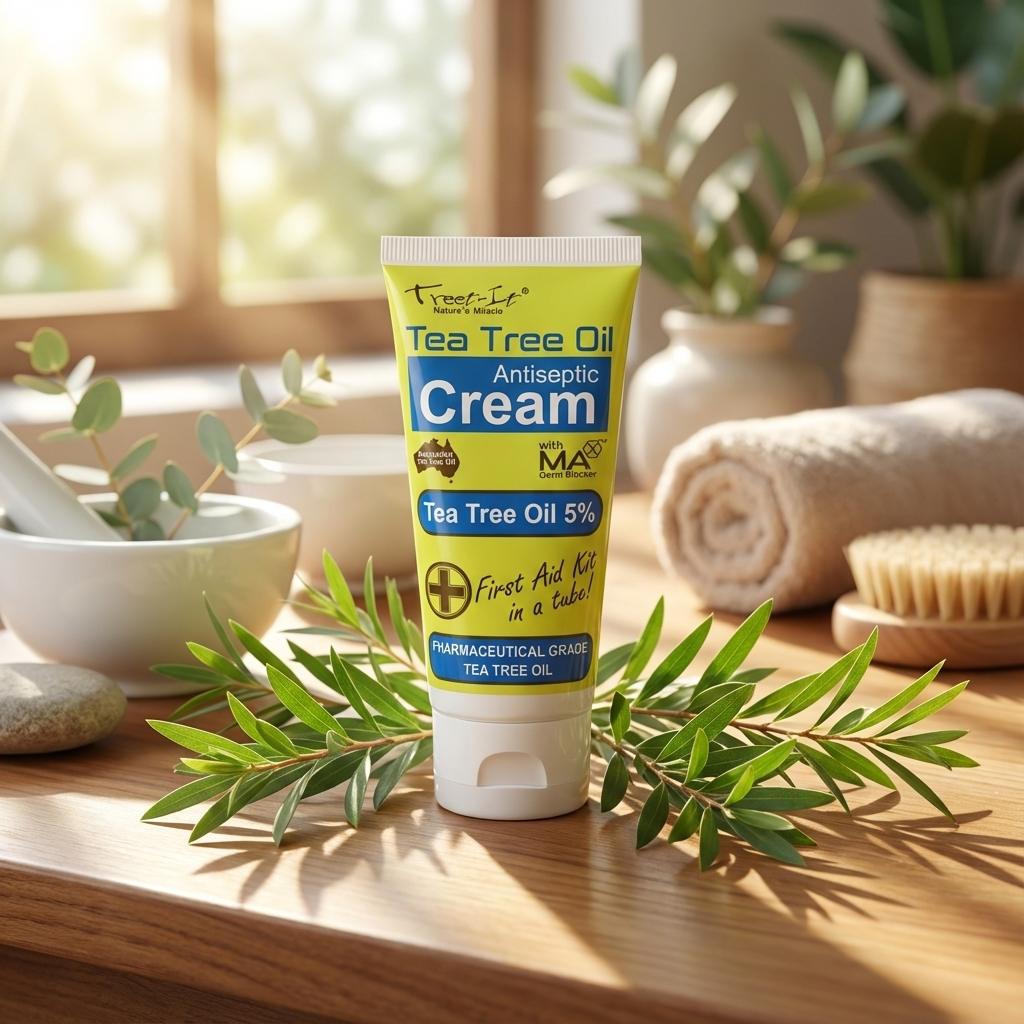
Pour vous montrer concretement ce que chaque mode peut faire, nous avons utilise le meme produit pour tous les exemples : une creme a l'arnica. Vous verrez ainsi clairement les differences entre chaque style.
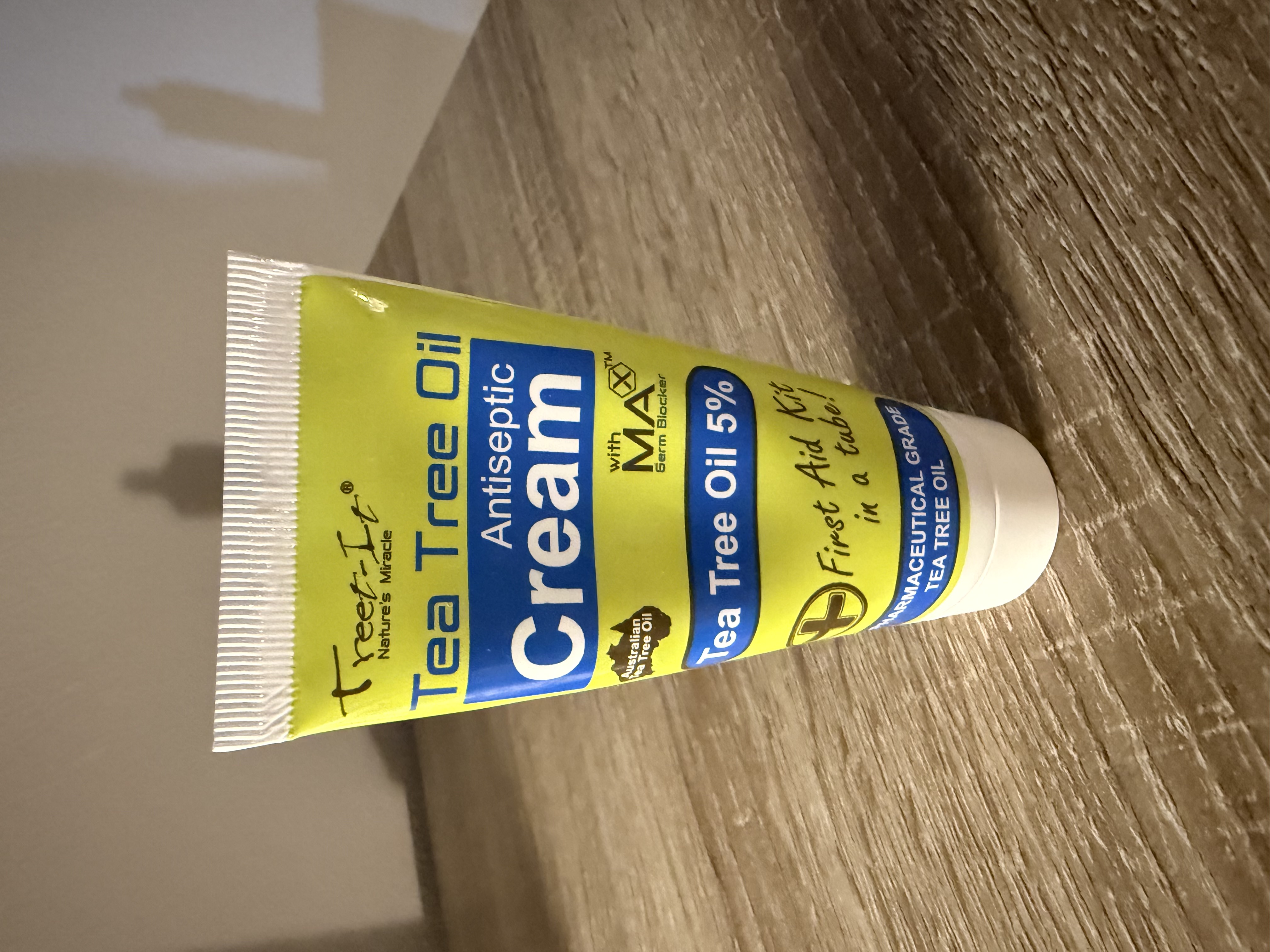
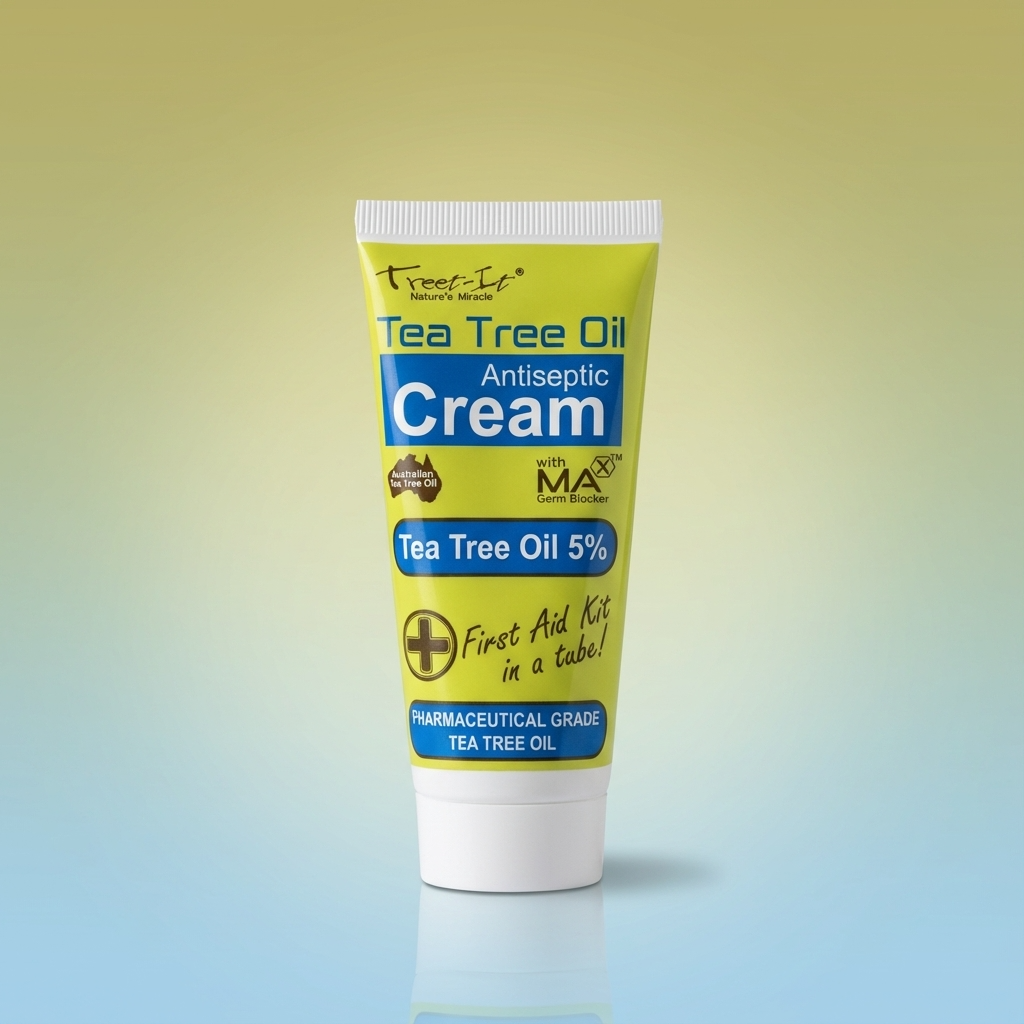
Voici notre produit de depart : une simple photo d'une creme a l'arnica
📦 Les 4 modes Classic : simples et efficaces

Les modes Classic sont parfaits pour debuter. Ils sont rapides, faciles a utiliser et produisent des resultats professionnels en quelques clics.
Mode E-commerce
Le mode E-commerce cree des photos sur fond blanc pur, ideales pour Amazon, Shopify ou tout site de vente en ligne. Le format carre (1:1) est optimise pour les catalogues produits.
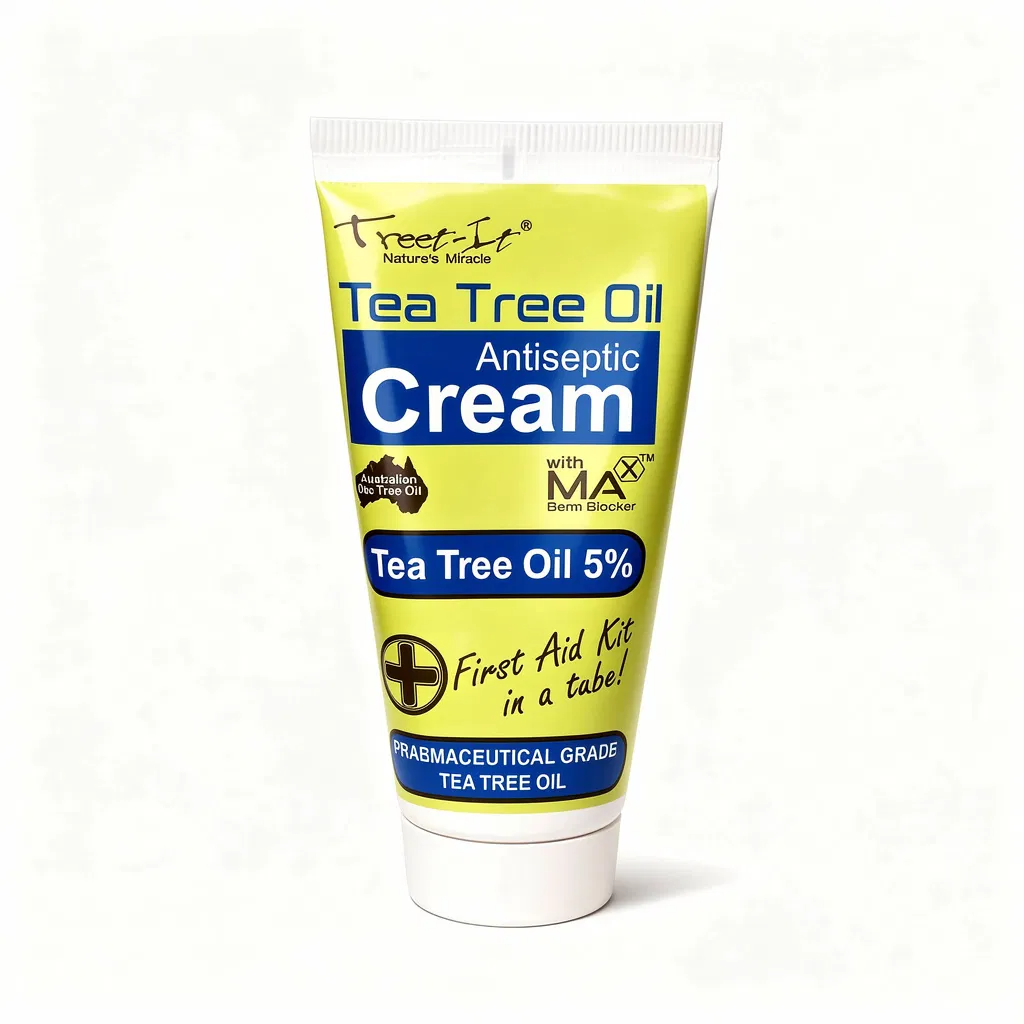
Mode E-commerce : fond blanc pur, parfait pour les boutiques en ligne
Ideal pour : Amazon, eBay, Shopify, catalogues produits
Mode Catalogue

Le mode Catalogue permet de placer votre produit sur differentes surfaces : marbre, bois, tissu... L'IA suggere les meilleures surfaces selon votre produit.
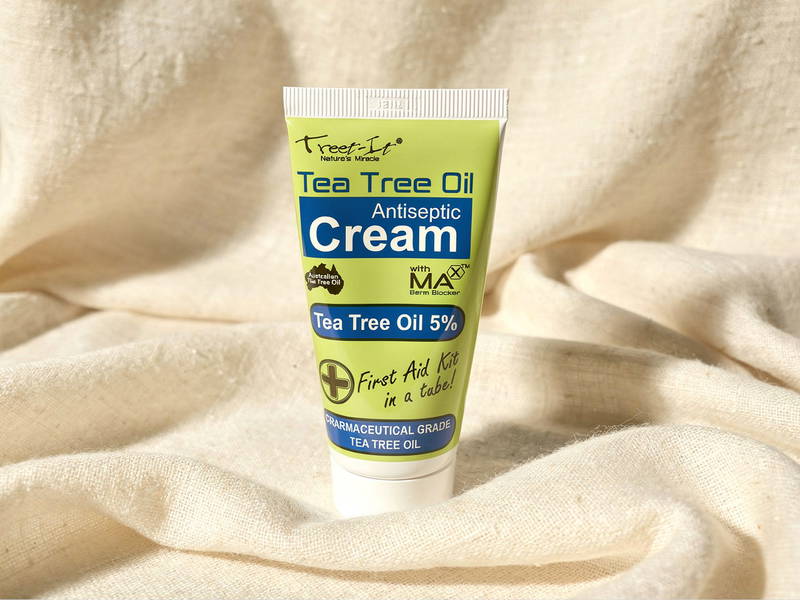
Mode Catalogue : produit sur surface elegante
Ideal pour : catalogues imprimes, brochures, fiches produit
Mode Hero Shot
Le mode Hero Shot cree des bannieres grand format avec des compositions creatives. Parfait pour mettre en valeur votre produit de maniere spectaculaire.
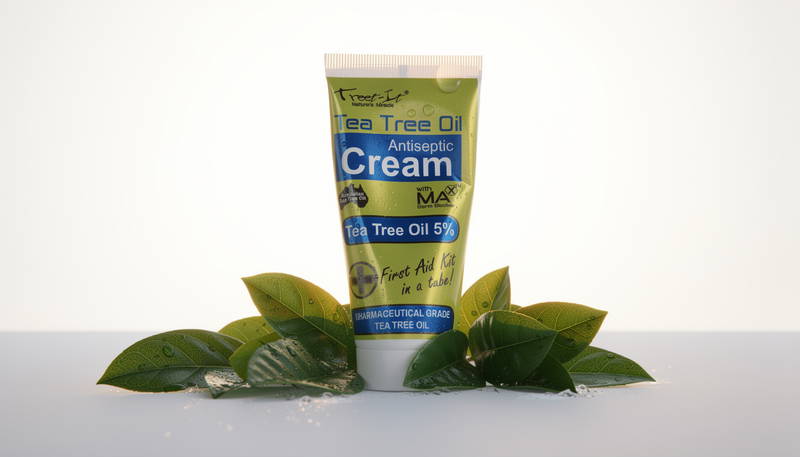
Mode Hero Shot : composition grand format pour bannieres
Ideal pour : bannieres web, publicites, pages d'accueil
Mode Creative
Le mode Creative libere votre imagination avec des compositions artistiques uniques. L'IA propose des idees creatives que vous pouvez personnaliser.
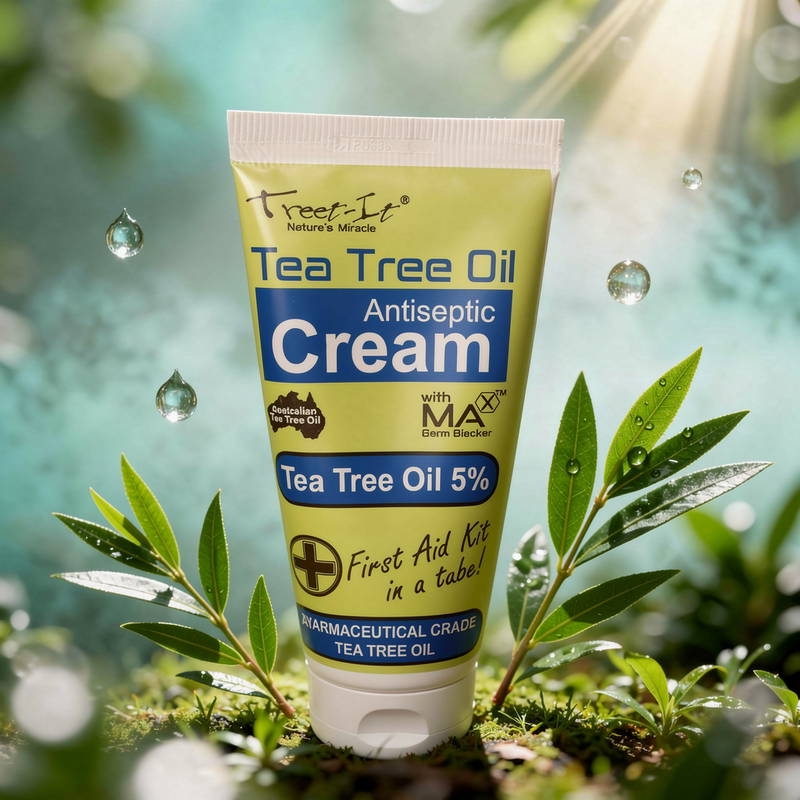
Mode Creative : composition artistique originale
Ideal pour : reseaux sociaux, campagnes marketing, branding
✨ Les 7 modes Advanced : personnalisation totale
Les modes Advanced utilisent Google Nano Banana Pro pour des resultats encore plus impressionnants. Chaque mode offre des options de personnalisation uniques.
Mode Lifestyle
Le mode Lifestyle place votre produit dans des scenes de vie authentiques avec des modeles humains. Vous pouvez telecharger une photo de reference pour garder un modele coherent.
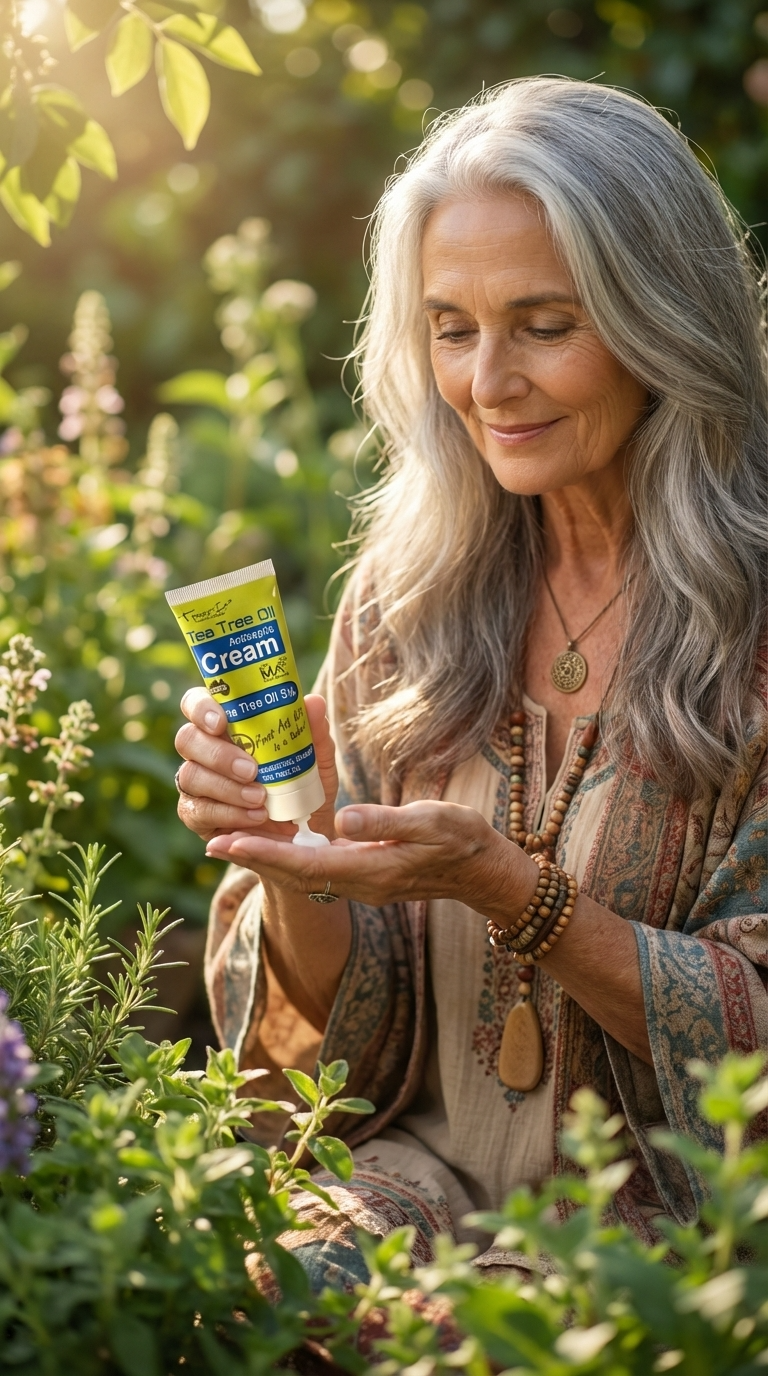
Mode Lifestyle : produit en situation reelle avec modele
Format optimise : 4:5 (portrait Instagram)
Ideal pour : Instagram, publicites lifestyle, storytelling
Mode Social Creative
Specialement concu pour les Stories, Reels et TikTok, ce mode cree des visuels verticaux percutants qui captent l'attention sur mobile.
Mode Social Creative : format vertical pour les reseaux sociaux
Format optimise : 9:16 (Stories/Reels)
Ideal pour : Instagram Stories, TikTok, Reels, Snapchat
Mode Artistic Editorial
Pour des visuels dignes des plus grands magazines, ce mode cree des compositions haute couture avec des eclairages dramatiques.
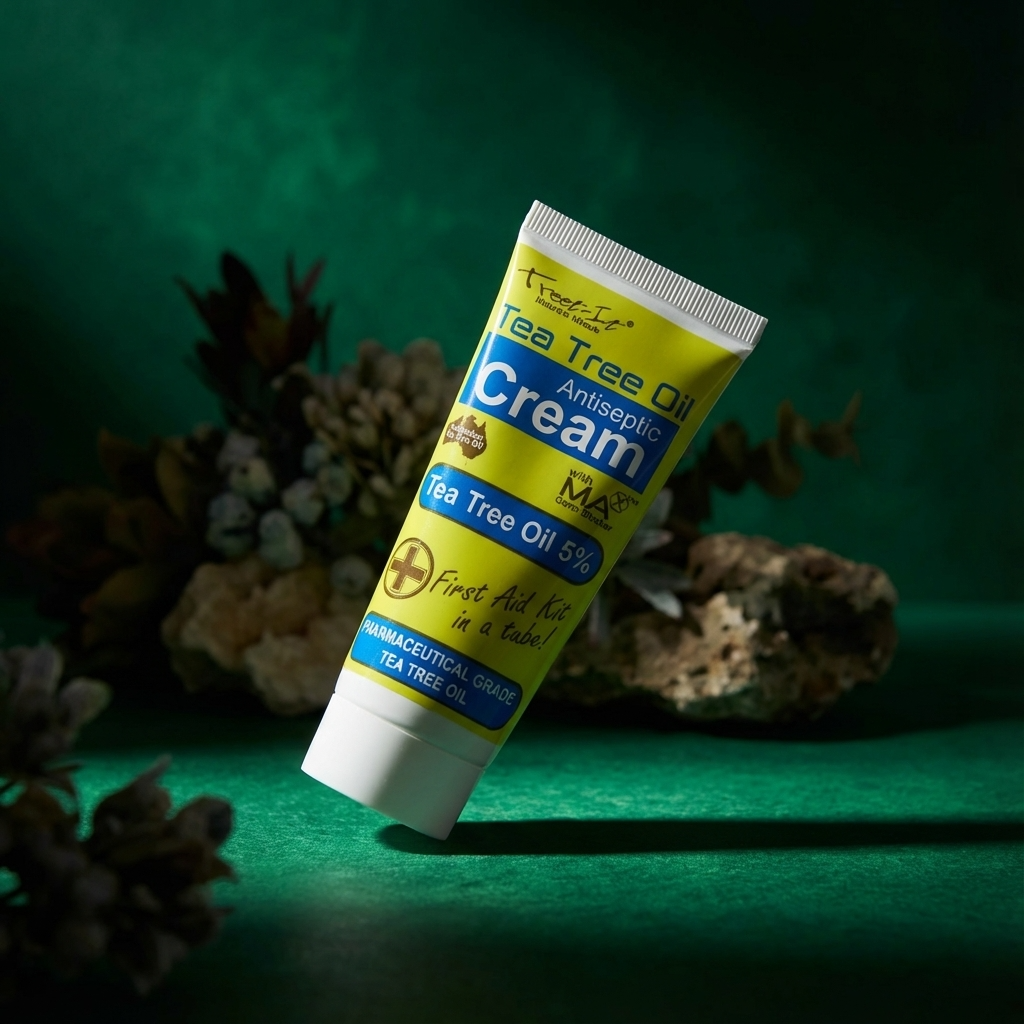
Mode Artistic Editorial : qualite magazine
Format optimise : 3:4 (portrait editorial)
Ideal pour : magazines, lookbooks, campagnes premium
Mode Multi-Product : composez votre scene
Le mode Multi-Product est le plus puissant : il vous permet de composer une scene complete en ajoutant jusqu'a 13 images de reference au total.
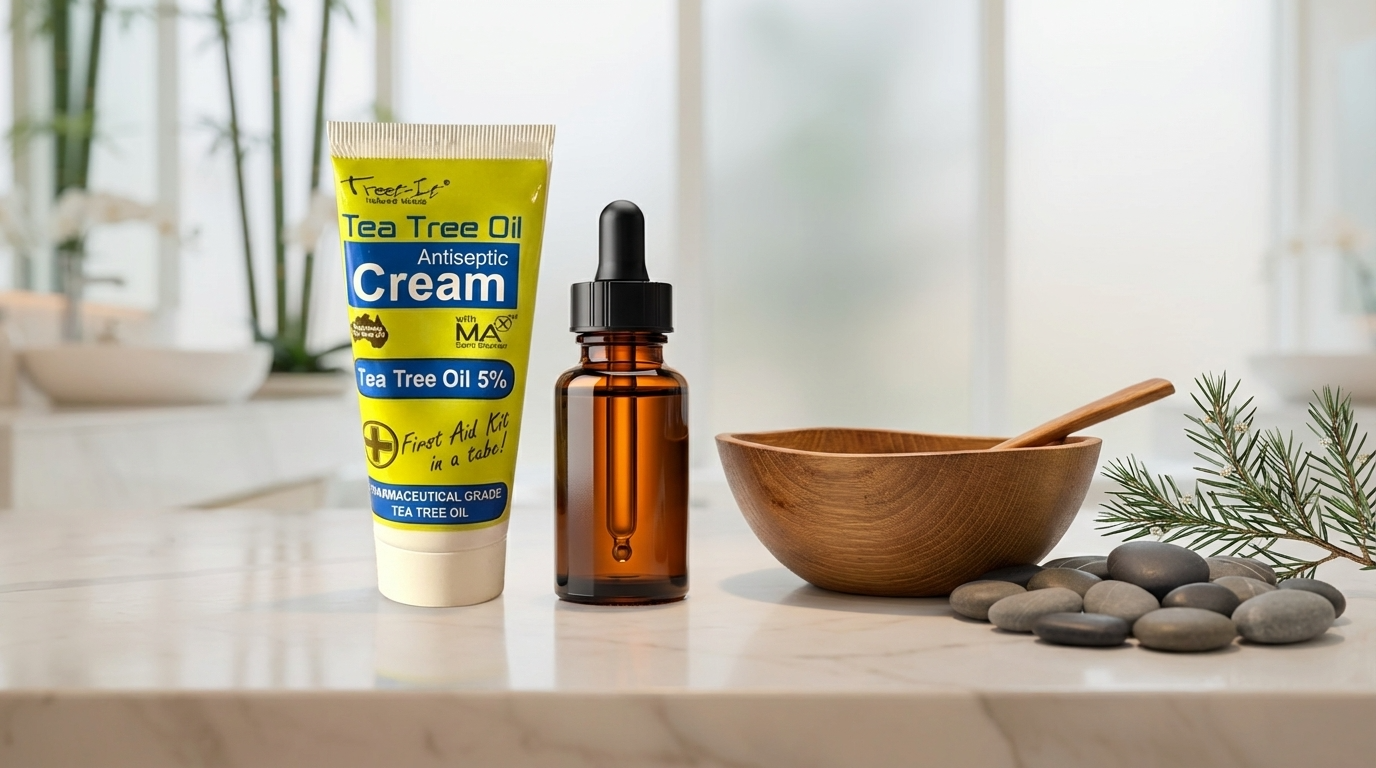
Mode Multi-Product : scene composee avec plusieurs elements
Comment ca marche ?
Vous pouvez ajouter 3 types d'elements (13 images maximum au total) :
1. Personnages (max 5) : des modeles ou personnes pour donner vie a la scene
2. Arriere-plans (max 3) : des decors ou environnements
3. Accessoires (max 6) : des objets complementaires (produits, props)
Les elements que nous avons utilises
Pour creer notre scene Multi-Product, voici les elements de reference que nous avons ajoutes :
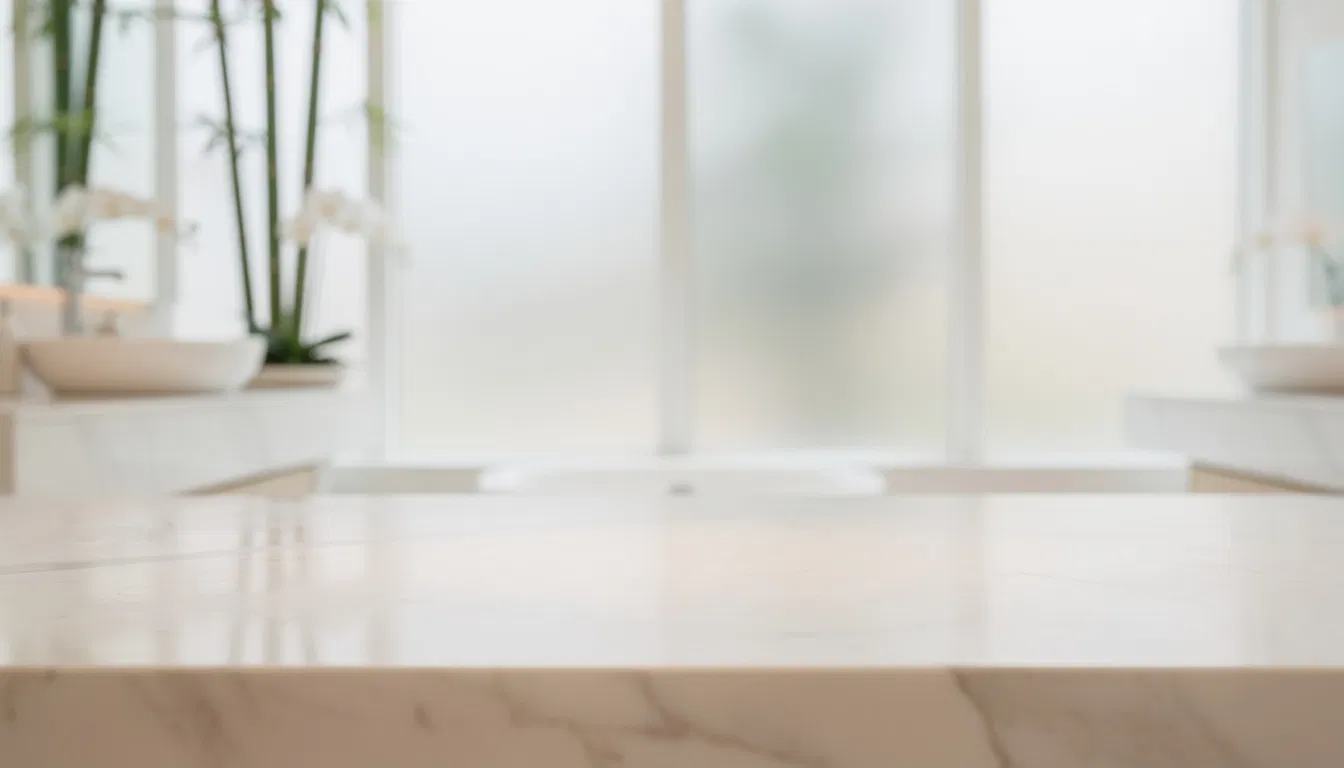
Element de reference : arriere-plan naturel
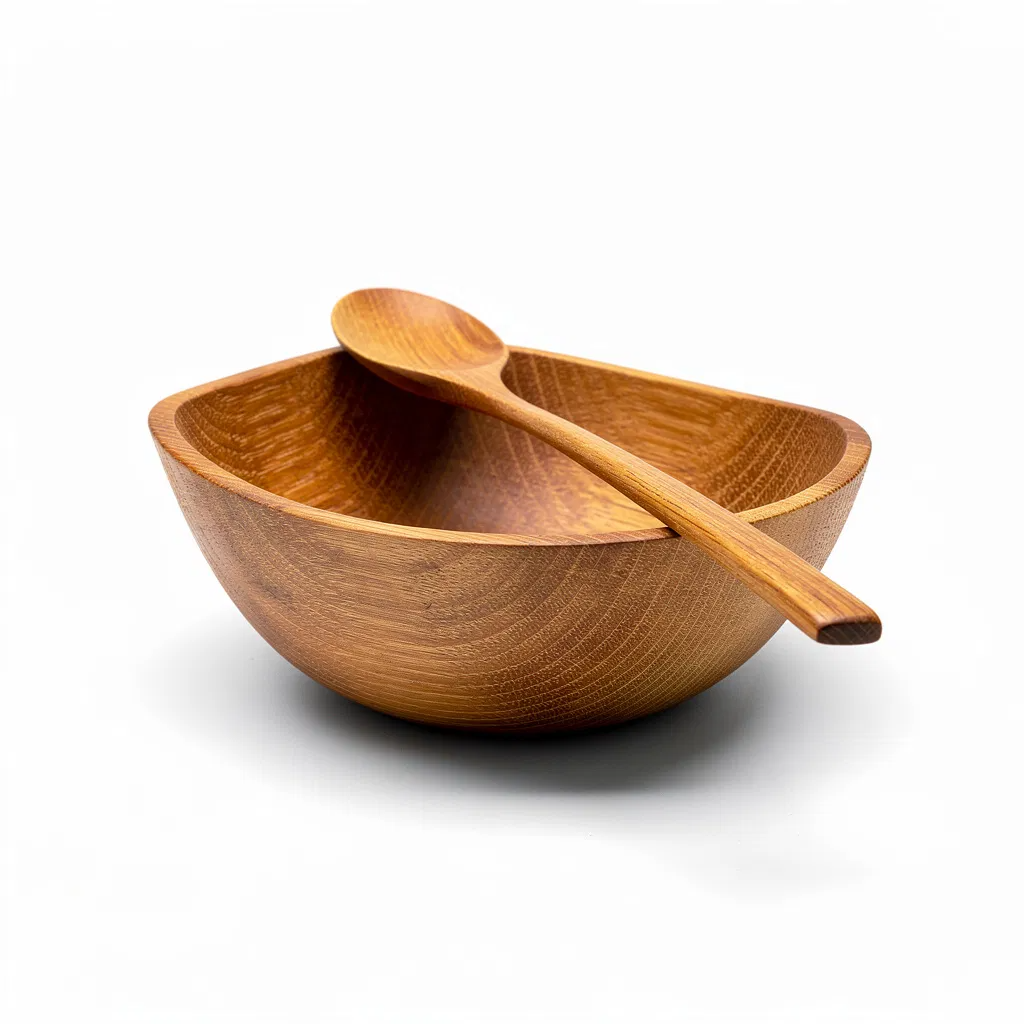
Element de reference : bol et cuillere en bois
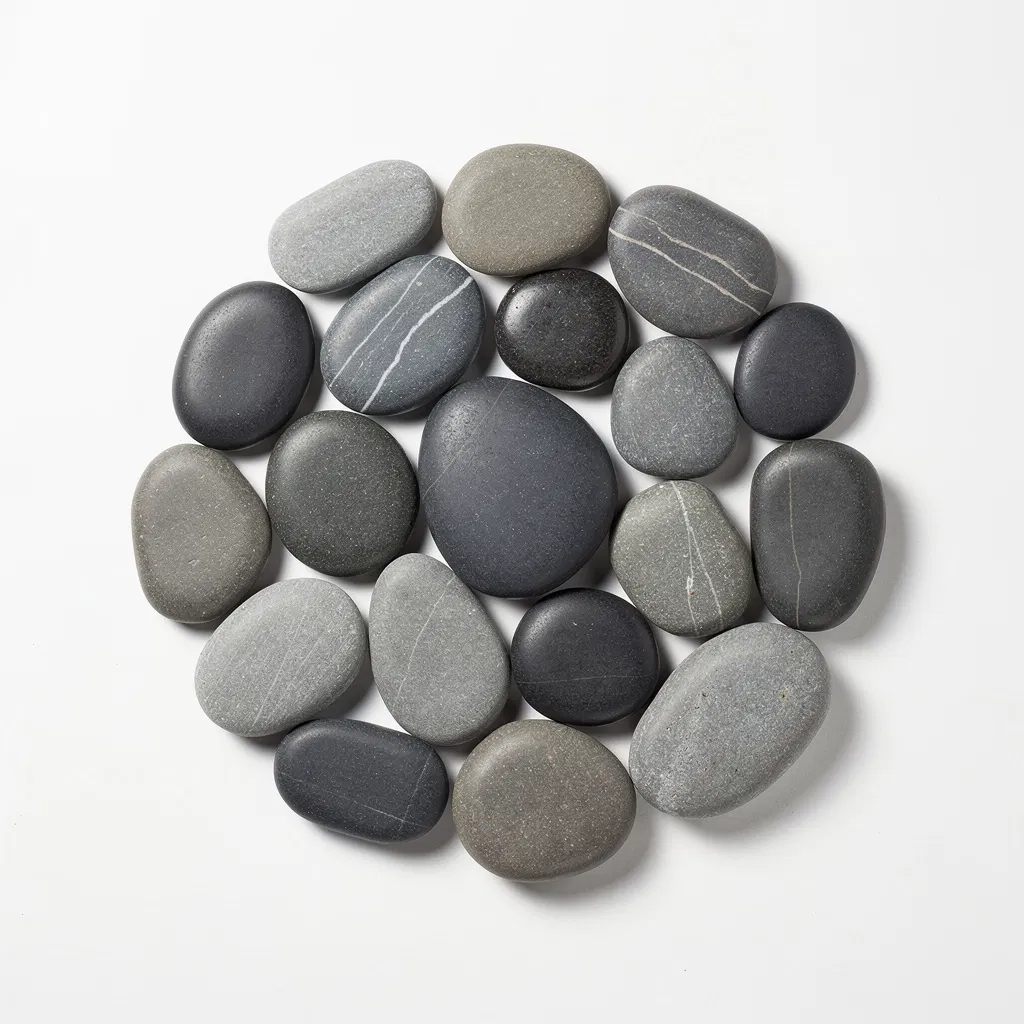
Element de reference : galets de massage
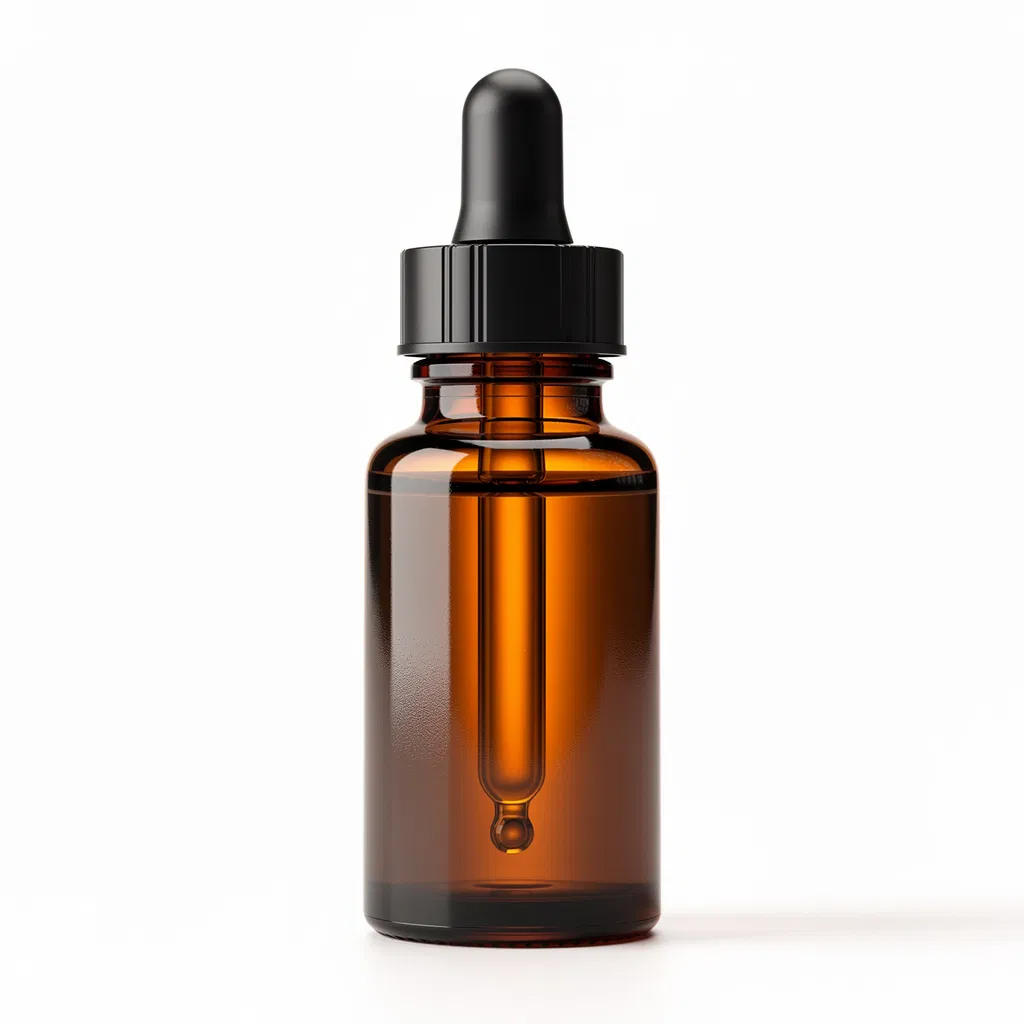
Element de reference : huile essentielle
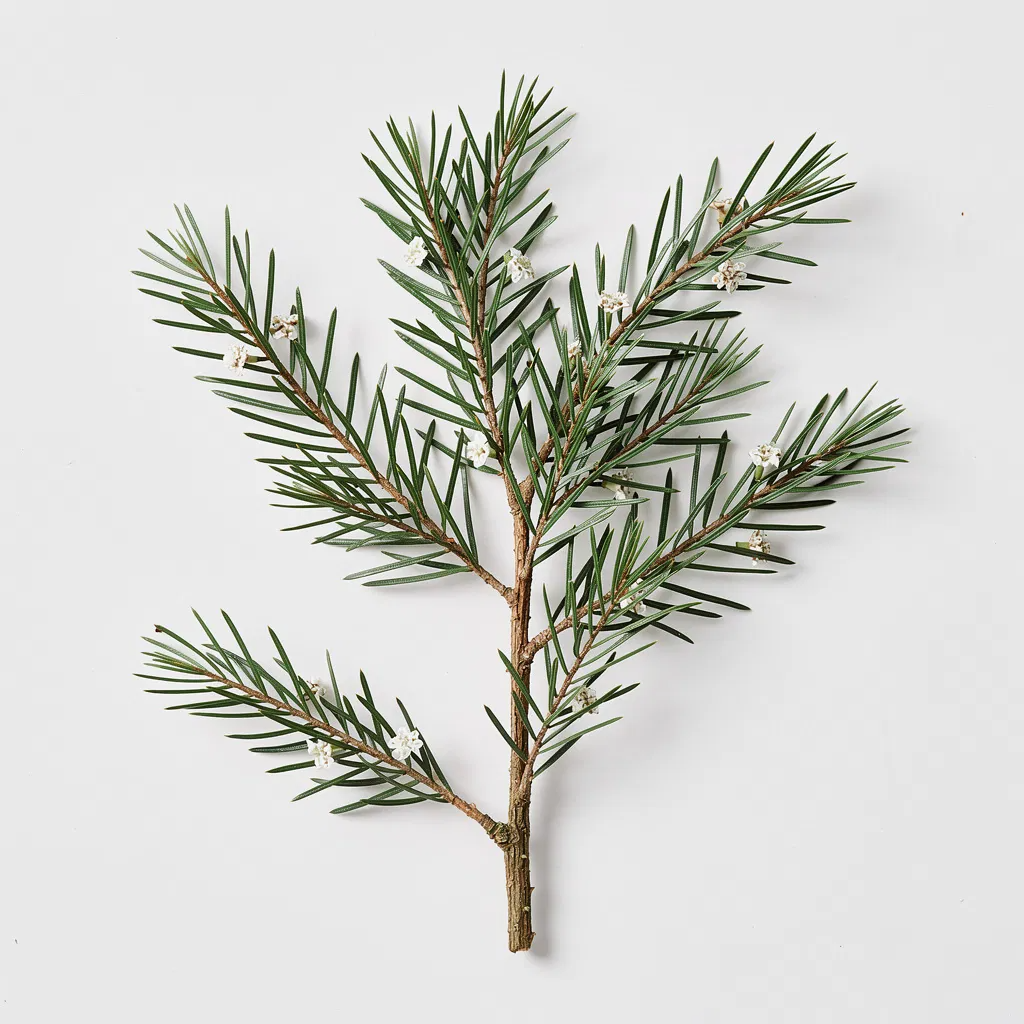
Element de reference : feuilles de tea tree
L'IA combine intelligemment tous ces elements pour creer une scene harmonieuse et professionnelle.
Format optimise : 16:9 (paysage)
Ideal pour : bannieres, scenes complexes, compositions multi-produits
Mode Pure Creation
Le mode Pure Creation offre une liberte artistique totale. Aucune contrainte, aucune limite : laissez l'IA interpreter votre produit de maniere unique.
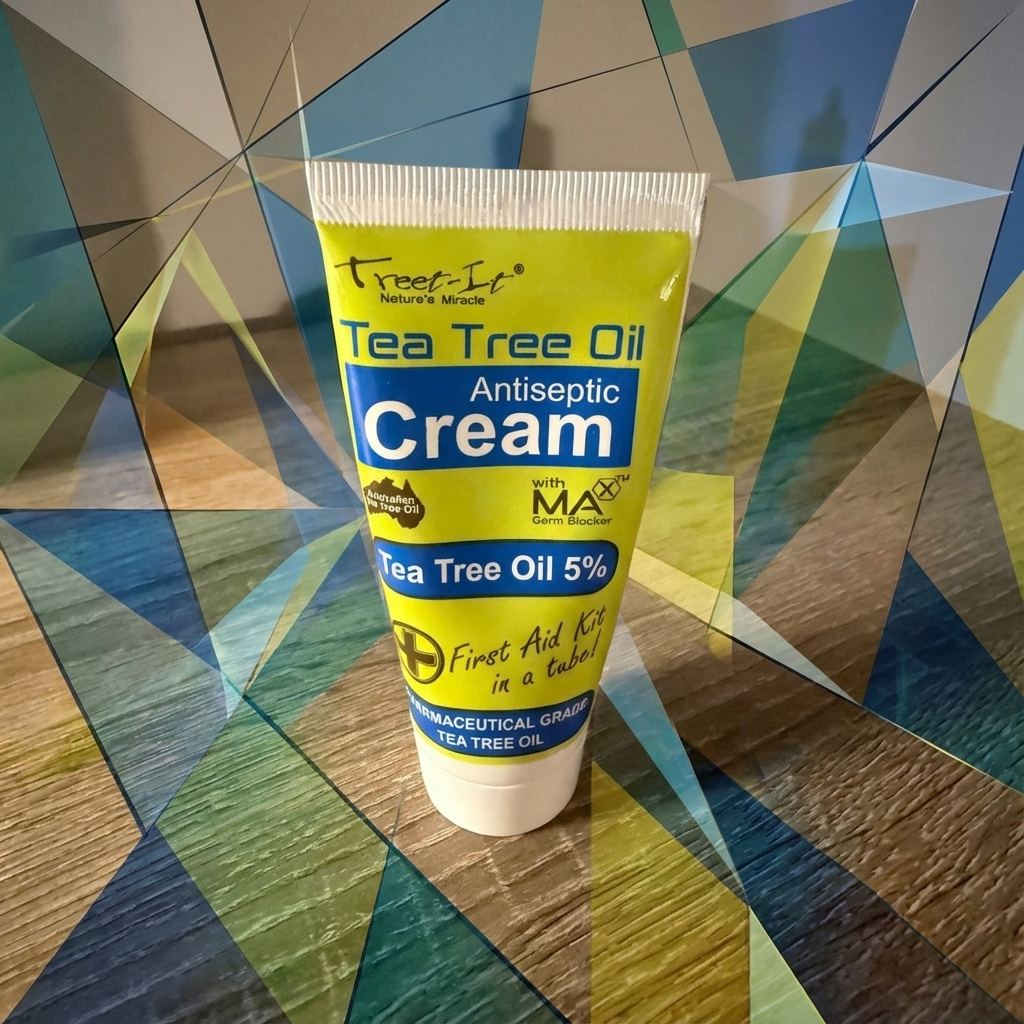
Mode Pure Creation : interpretation artistique libre
Format optimise : 1:1 (carre)
Ideal pour : art, experimentation, visuels uniques
Mode Photo Editing
Le mode Photo Editing permet de modifier une photo existante. Changez l'arriere-plan, ajustez les couleurs, ou ameliorez les details tout en preservant votre produit.
Mode Photo Editing : retouche et amelioration
Format optimise : detecte automatiquement le format de votre image
Ideal pour : retouches, corrections, ameliorations
Mode Text & Typography
Ajoutez du texte professionnel directement sur vos visuels. Parfait pour les promotions, les annonces ou le branding.
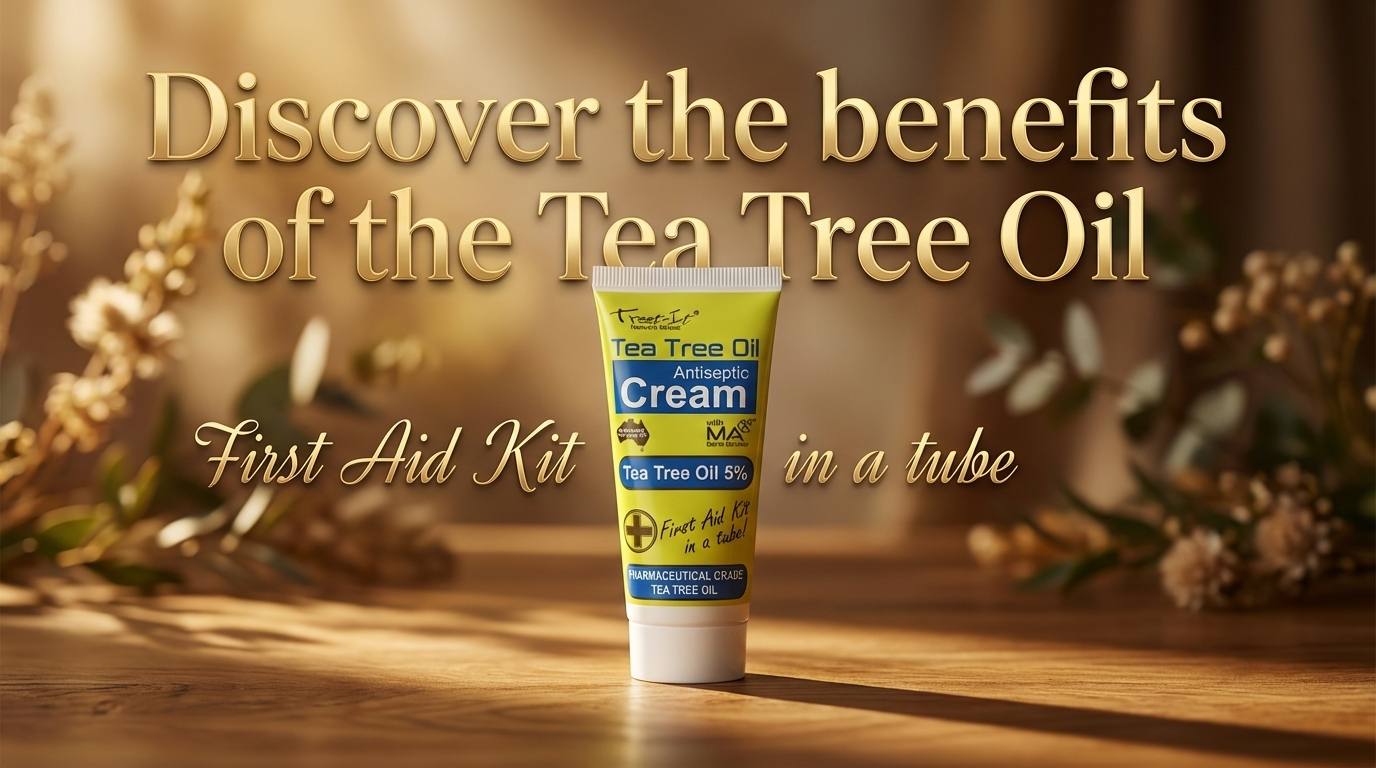
Mode Text & Typography : texte integre au visuel
Format optimise : 9:16 (Stories)
Ideal pour : promotions, annonces, Stories avec texte
📊 Tableau recapitulatif
| Mode | Type | Format | Meilleur usage |
|---|---|---|---|
| E-commerce | Classic | 1:1 | Boutiques en ligne |
| Catalogue | Classic | 4:3 | Catalogues imprimes |
| Hero Shot | Classic | 16:9 | Bannieres web |
| Creative | Classic | 4:3 | Reseaux sociaux |
| Lifestyle | Advanced | 4:5 | Instagram, publicites |
| Social Creative | Advanced | 9:16 | Stories, TikTok |
| Artistic Editorial | Advanced | 3:4 | Magazines |
| Multi-Product | Advanced | 16:9 | Scenes complexes |
| Pure Creation | Advanced | 1:1 | Art, experimentation |
| Photo Editing | Advanced | Auto | Retouches |
| Text & Typography | Advanced | 9:16 | Promotions |
💰 Combien ca coute ?
- Modes Classic : 8 credits par image
- Modes Advanced : 24 credits par image (Standard/2K), 41 credits (4K)
Avec l'essai gratuit de 150 credits, vous pouvez creer environ 18 images Classic ou 6 images Advanced pour tester les differents modes.
❓ Questions frequentes
Quel mode choisir pour debuter ?
Commencez par le mode E-commerce pour des resultats simples et professionnels, puis explorez les modes Lifestyle et Social Creative pour vos reseaux sociaux.
Puis-je utiliser mes propres photos de reference ?
Oui ! Les modes Lifestyle, Multi-Product et Pure Creation acceptent des photos de reference pour personnaliser vos resultats.
Les images sont-elles libres de droits ?
Oui, toutes les images generees vous appartiennent. Vous pouvez les utiliser pour un usage commercial sans restriction.
Quelle resolution puis-je obtenir ?
Standard (1024px) ou 4K (2048px) selon vos besoins. La 4K est disponible sur tous les modes Advanced.
Combien de temps prend la generation ?
Entre 45 secondes et 2 minutes selon le mode et la complexite. Les modes Classic sont generalement plus rapides.
🚀 Conclusion
YourRender.ai transforme n'importe quelle photo de produit en visuel professionnel. Que vous ayez besoin de photos e-commerce sur fond blanc ou de compositions artistiques complexes, il existe un mode adapte a vos besoins.
Essayez gratuitement avec 150 credits offerts et decouvrez le mode qui correspond le mieux a votre activite.