Complete Guide to YourRender.ai Visual Styles
TL;DR: Discover over 55 ready-to-use visual styles to transform your product photos. Choose a style, upload your product, and get professional images in seconds. No design skills required.
You have an excellent product, but creating visuals that perfectly reflect your brand seems complicated? You're not a designer and photo editing software scares you? YourRender.ai has the solution: Visual Styles.
In this guide, we'll explain simply how to use this feature to create product photos worthy of the biggest brands.
🎨 What Is a Visual Style?
A visual style is like a predefined "recipe" that tells the AI how to create your image. Each style contains:
- A Color Palette: The hues that will be used in the background and mood
- Typography: The text style that matches the aesthetic (useful for text formats)
- Keywords: Instructions for the AI about the atmosphere to create
- A Reference Image: The visual example that guides generation
It's like having a professional art director defining exactly the desired look!
✨ The 4 Style Categories
YourRender.ai offers over 55 styles organized into 4 categories. Here's how to choose based on your needs:
Premium (15 Styles)
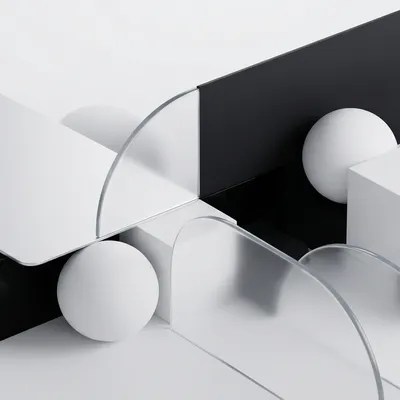
Premium styles are perfect for brands wanting a sophisticated and unique visual identity.
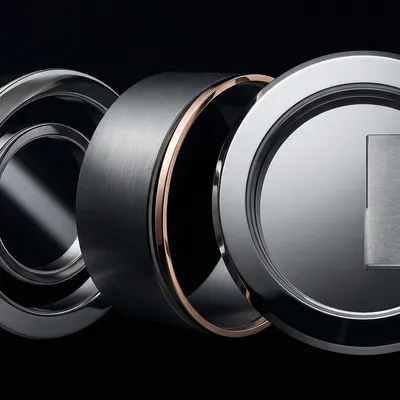
Popular Examples:
- Swiss Precision: Ideal for watches, jewelry, and high-end products
- Fragrance Luxe: Perfect for perfumes and cosmetics
- Artisan Coffee: Excellent for artisanal food products
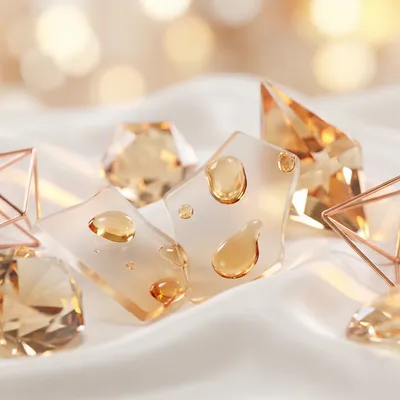
These styles include advanced directives for composition, lighting, and atmosphere, ensuring results worthy of professional advertising campaigns.
Brands (25 Styles)
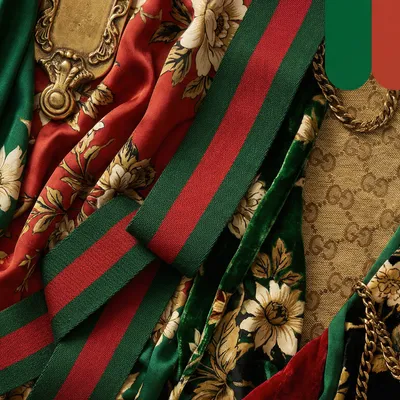
Brand styles are inspired by the aesthetics of the world's biggest brands.
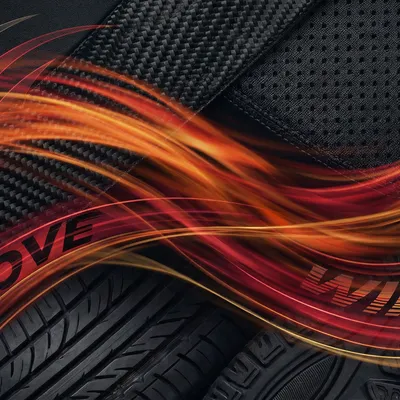
Brand Categories:
| Category | Available Brands |
|---|---|
| Sportswear | Nike, Adidas, Puma, New Balance |
| Luxury | Gucci, Louis Vuitton, Hermès |
| Tech | Apple, Sony |
| Automotive | BMW, Mercedes, Porsche, Ferrari |
| Outdoor | The North Face, Patagonia |
Important: These styles are inspired by visual aesthetics without using protected logos or elements. Perfect for giving your products a recognizable premium look.
Art (15 Styles)
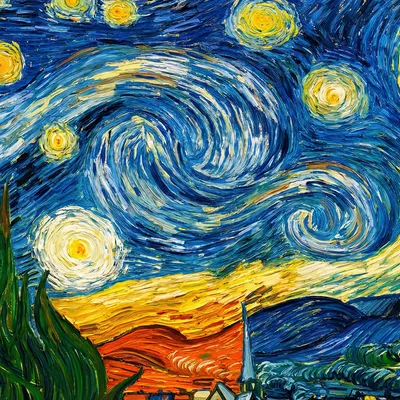
Art styles transform your product photos into works of art inspired by great masters.
Available Artists and Movements:
- Picasso: Cubist style with geometric shapes
- Van Gogh: Expressionist brushstrokes and vibrant colors
- Klimt: Gold leaf and decorative Art Nouveau patterns
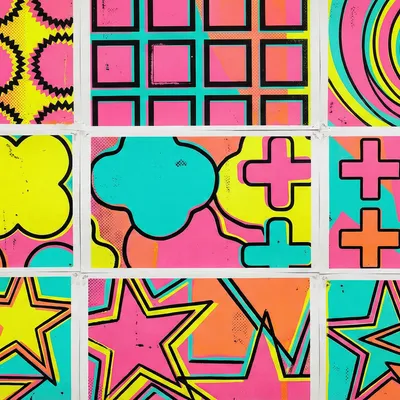
- Warhol: Colorful and repetitive Pop Art
- Mondrian: Primary geometric lines
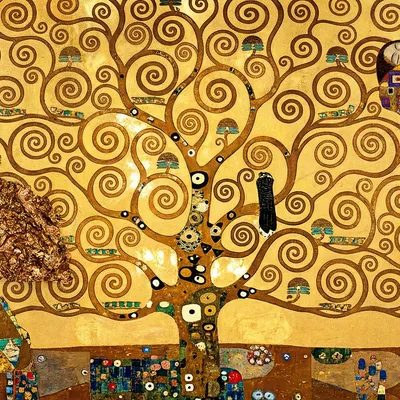
These styles are perfect for creative campaigns, limited editions, or simply to stand out.
Classic (Base Styles)
Classic styles offer timeless atmospheres for everyday use.
Examples:
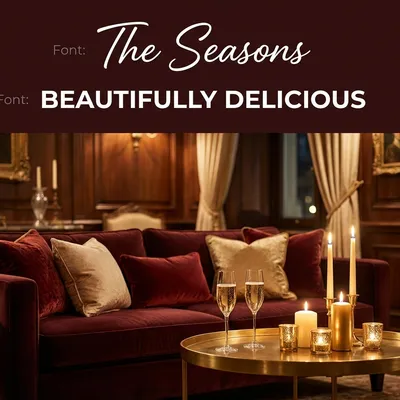
- Warm Luxury: Warm and elegant atmosphere
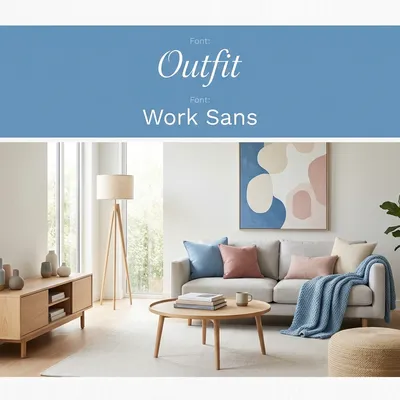
- Nordic Sky: Clean Scandinavian freshness
- Mocha Mousse: Pantone 2025 color, perfect for "quiet luxury"
🚀 How to Use Styles in 3 Steps
Step 1: Access the Style Selector
In Premium Studio, click "Add Style Reference" to open the style gallery.
Step 2: Explore and Choose
Navigate between the 4 tabs:
- Premium: Sophisticated styles with moodboard
- Brands: Inspirations from major brands
- Art: Artistic and creative styles
- Classic: Timeless atmospheres
Click "Preview" to see style details before selecting.
Step 3: Generate Your Image
Once the style is selected, upload your product and describe the desired scene. The AI will automatically use:
- The style's color palette
- Matching atmosphere and lighting
- Visual references to guide generation
Pro Tip: Let the style do the work! Simply describe where to place your product, the style handles the rest.
💡 Tips for Better Results
Choose the Right Style for Your Product
| Product Type | Recommended Styles |
|---|---|
| Watches, jewelry | Swiss Precision, Rolex, Omega |
| Perfumes, cosmetics | Fragrance Luxe, Beauty Bloom |
| Sportswear | Nike, Adidas, Puma |
| Premium food | Artisan Coffee, Wine Cellar, Gourmet Chocolate |
| Tech & gadgets | Apple, Sony, Tech Minimalist |
| Luxury fashion | Gucci, Louis Vuitton, Hermès |
Combine Styles with Simple Prompts
A good prompt example with a style:
"My product on a white marble surface, soft natural light"
The style will automatically add appropriate colors, atmosphere, and visual details.
Experiment with Art Styles
Artistic styles create unique visuals perfect for:
- Instagram posts that stand out
- Creative marketing campaigns
- Limited editions or special collaborations
📊 Comparison: With vs Without Style
| Aspect | Without Style | With Style |
|---|---|---|
| Colors | Random | Consistent and harmonious |
| Atmosphere | Variable | Defined and constant |
| Creation time | Multiple attempts | Result on first try |
| Brand consistency | Hard to maintain | Automatic |
| Required level | Intermediate | Beginner |
❓ Frequently Asked Questions
Do Styles Cost Extra Credits?
No! Using styles is included in your image generation. The cost remains the same: 24 credits for a 1K/2K image or 41 credits for a 4K image.
Can I Create My Own Style?
Currently, you can use the Brand AI tool to create a personalized brand profile that works like a style. This feature analyzes your logo and colors to create a unique artistic direction.
Do Styles Work with All Product Types?
Yes! Whether you sell clothing, electronics, food, or accessories, there's a suitable style. Premium styles are particularly versatile.
How Do I Change Style After Generating an Image?
You can simply select a new style and relaunch generation with the same description. Each style will give a different result.
Do Brand Styles Use Brand Logos?
No. These styles are inspired only by visual aesthetics (colors, atmosphere, composition) without including copyrighted elements.
Which Style Should I Choose to Start?
We recommend Mocha Mousse (Pantone 2025 color) for timeless elegance, or Swiss Precision for an immediate high-end look.
🎯 Conclusion
YourRender.ai's visual styles transform product photo creation into a simple and accessible process. No need to be a designer or master Photoshop: choose a style, upload your product, and let the AI do the rest.
With over 55 styles available in 4 categories, you'll definitely find the perfect aesthetic for your brand.
Ready to create professional visuals? Try YourRender.ai for free with 150 free credits.
This article is part of our tutorial series. Also discover our Premium Studio guide and our Video Studio guide.